The Business Office
Practical training and resources for school district business offices.
Featured Resources
For PCs.
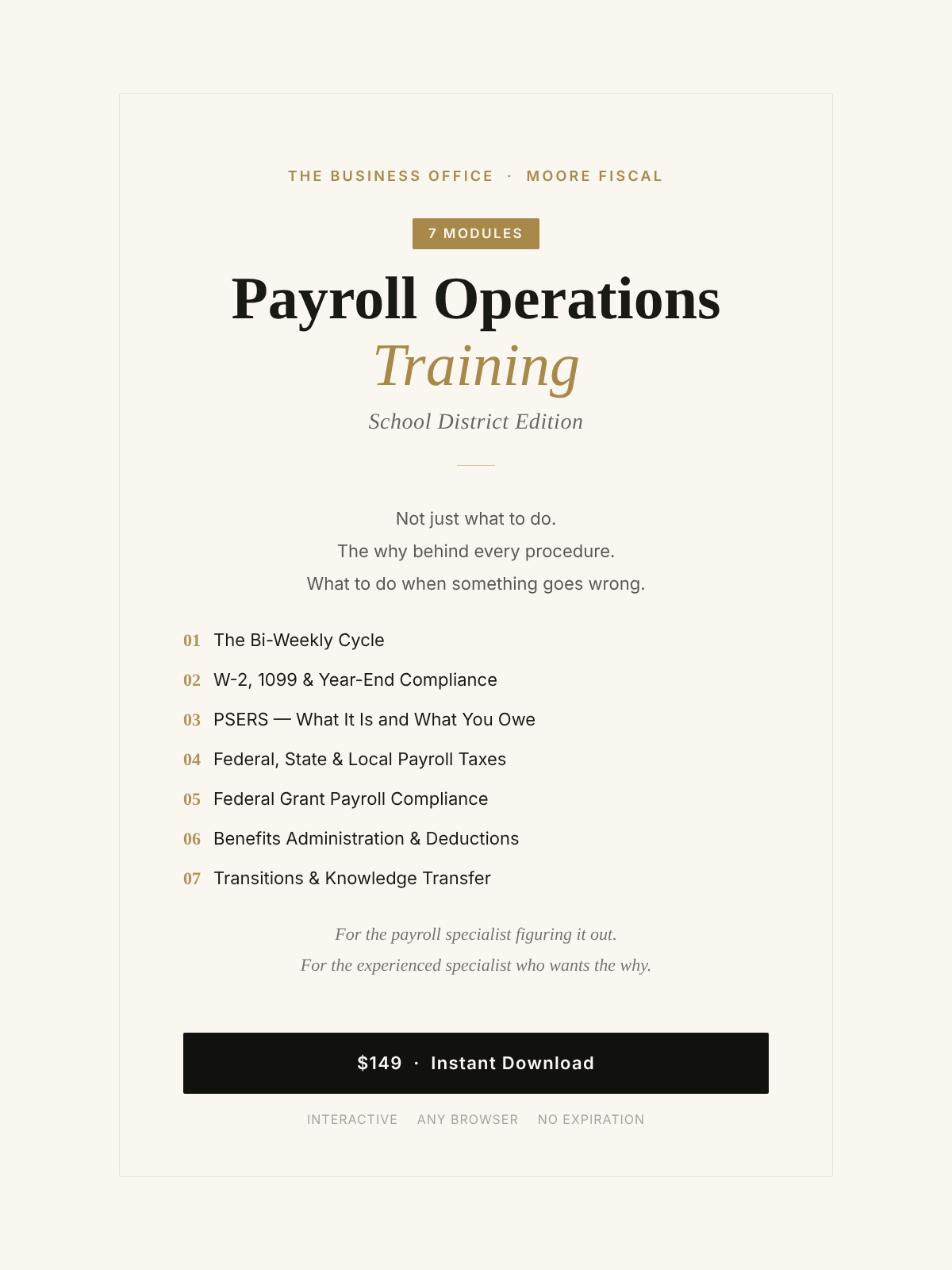
Most payroll specialists learn the job by watching the person before them. Nobody explains the bank cutoff time, the EFTPS deposit schedule, what happens when a federal grant employee's time is not documented, or about the PSERS remittance. They figure it out — sometimes the hard way.
This seven-module interactive training covers the complete payroll cycle for school district business offices. Written for the person running payroll on their own for the first time, and the experienced specialist who wants to understand the why behind every procedure they have been following for years.
What is covered:
— The bi-weekly processing cycle from timesheet cutoff through bank submission
— W-2, 1099, and year-end compliance — what has to happen before January 31st
— PSERS — what it is, what you owe, and how to remit correctly every month
— Federal, state, and local payroll taxes — all three layers simultaneously
— Federal grant payroll compliance — the documentation that prevents repayment
— Benefits administration and deductions — where errors compound fastest
— Transitions and knowledge transfer — what to document before someone leaves
Format: Interactive HTML training — works in any computer browser, no login required, no expiration. Seven modules with expandable steps, real-world scenarios, knowledge check quizzes, and a direct question submission form.
Audit season doesn't have to mean scrambling for documents, chasing down staff, or explaining to auditors why something isn't on file.
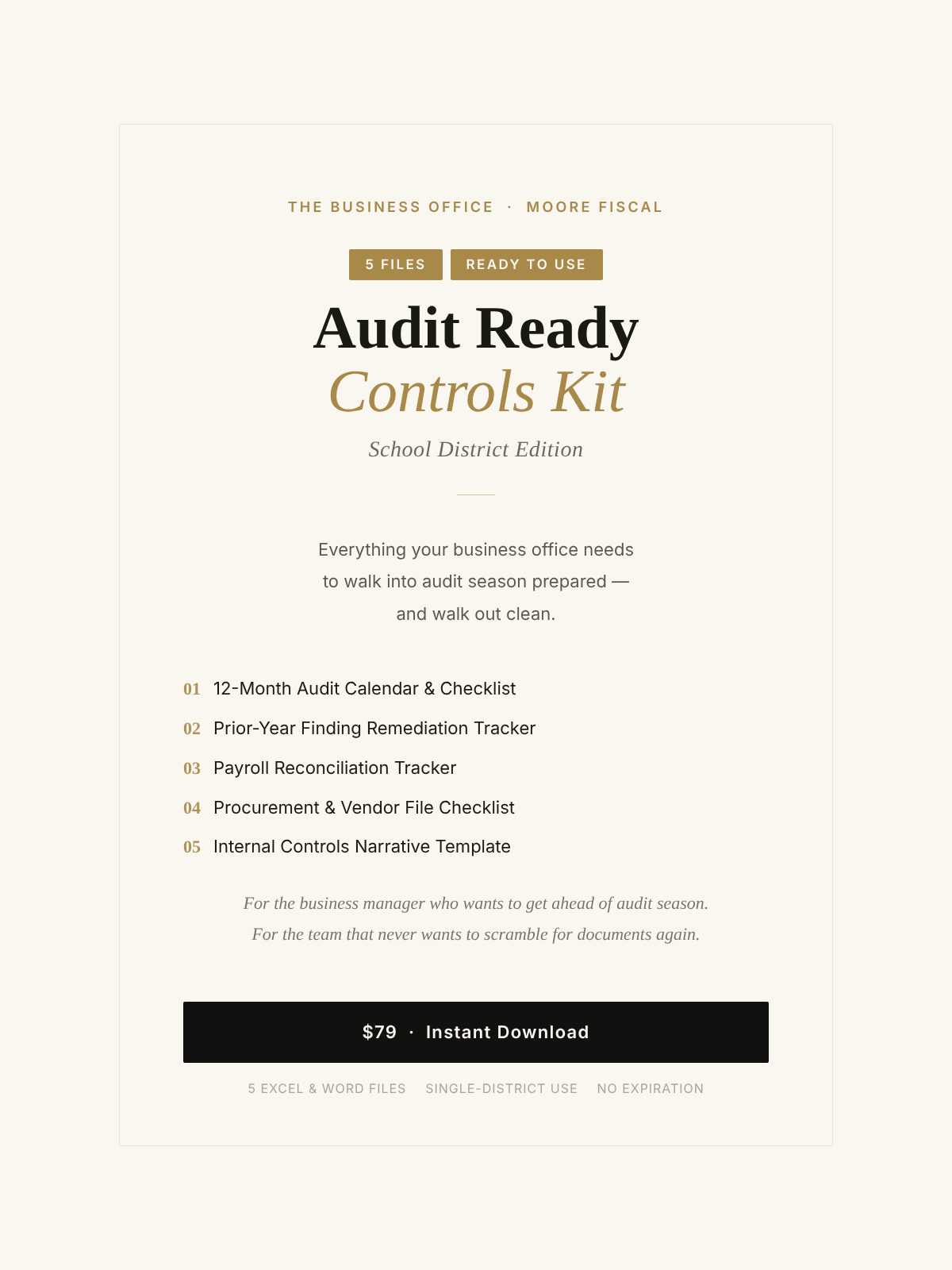
The Audit Ready Controls Kit gives your business office a complete operating system for audit preparation — from the first day of the fiscal year through the final board presentation. Five ready-to-use Excel and Word files, built around the tasks, deadlines, and compliance requirements that Pennsylvania school district auditors actually look for.
Open the files, fill in your district's information, and you're working — not starting from scratch.
What's Included
12-Month Audit Calendar & Checklist — month-by-month task list with responsible parties, due dates, and priority levels covering the full fiscal year
Prior-Year Finding Remediation Tracker — document corrective actions, assign owners, track closeout status, and show auditors you followed through
Payroll Reconciliation Tracker — reconcile your GL, payroll register, and bank to catch discrepancies before auditors do
Procurement & Vendor File Checklist — confirm W-9s, contracts, bid documentation, and board approvals are on file for every vendor
Internal Controls Narrative Template — fill-in-the-blank documentation for cash receipts, disbursements, payroll, procurement, and more
This Is For
Business managers who want to get ahead of audit season instead of reacting to it
Districts that received findings last year and need a system for demonstrating corrective action
New business managers building controls documentation for the first time
Any district that wants to walk into the auditor's opening meeting with everything already organized
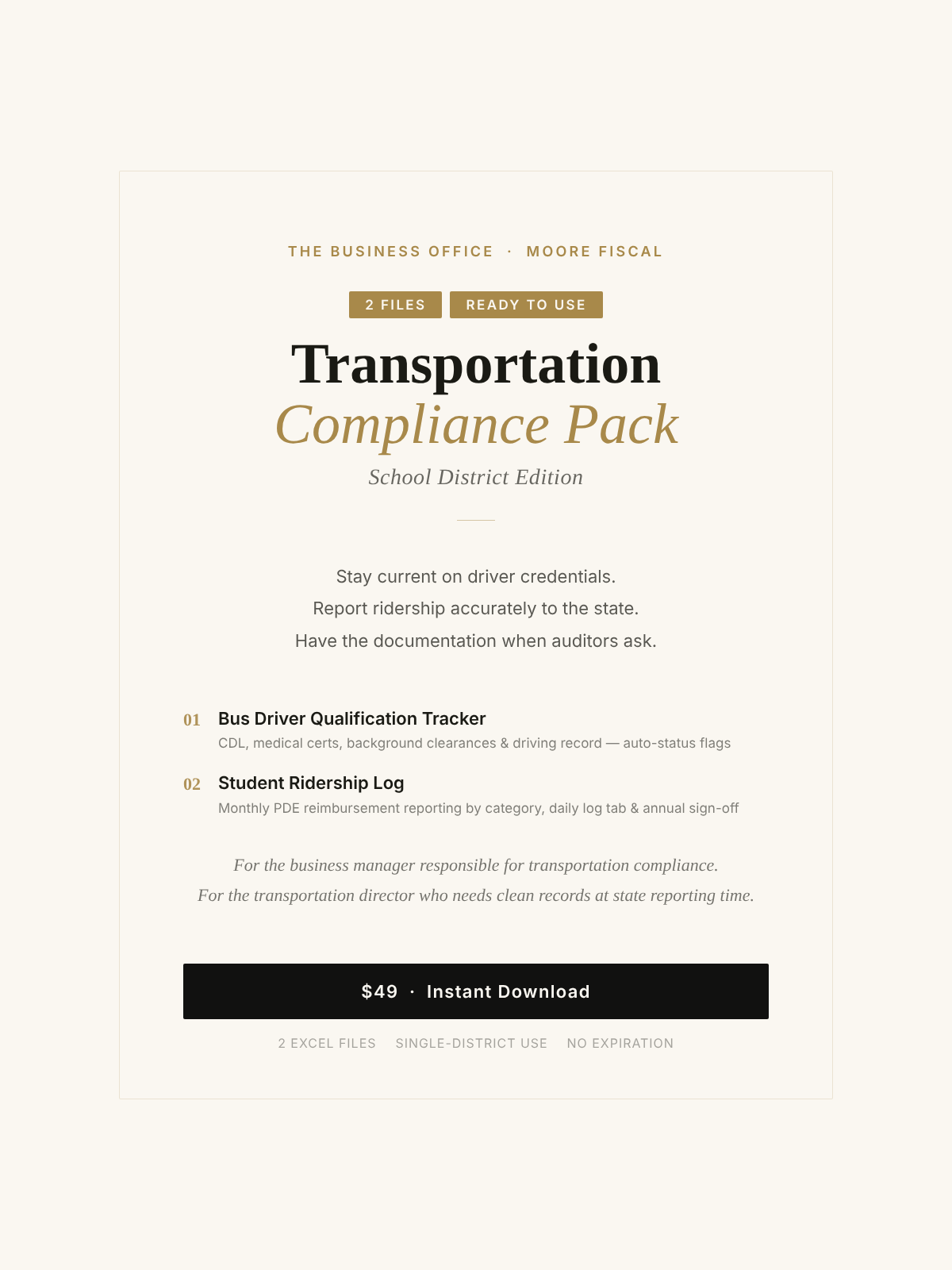
Transportation is one of the most audited , and most under documented, areas in a school district business office. Driver credentials expire. Ridership counts get reported from memory. Daily logs go unfiled. And when the auditor or PDE asks for backup, it isn't there.
The Transportation Compliance Pack gives your district two ready-to-use Excel tools that cover the two areas transportation auditors look at first: driver qualifications and student ridership reporting. Open them, enter your district's data, and you have organized, defensible records from day one.
WHAT'S INCLUDED
— Bus Driver Qualification Tracker: Track CDL expiration dates, medical certificates, PA criminal and child abuse clearances, FBI checks, and driving record review dates for every district and contracted driver; auto-calculated status flags identify who is current, expiring soon, or requires immediate action
— Student Ridership Log: Monthly ridership reporting by PDE category (regular public, nonpublic, charter, foster care, hazardous walking); includes daily log tab for source documentation and annual sign-off section for PDE submission
WHO THIS IS FOR
· Business managers responsible for transportation compliance and PDE reimbursement reporting
· Transportation directors who need clean, audit-ready records without building spreadsheets from scratch
· Districts that have received transportation findings or want to get ahead of them
· Any district where driver credential tracking currently lives in a filing cabinet, a notebook, or someone's memory
Single-district use. Delivered as Excel (.xlsx) files — editable in Microsoft Office or Google Workspace. Verify current PA PDE transportation reporting requirements annually.
Not just what to do. The why behind every procedure.
Most training tells you the steps. It does not tell you what happens when you miss one, why the procedure exists in the first place, or what an auditor will think when they find it in your files. Moore Fiscal builds resources that answer those questions — for business administrators, payroll specialists, superintendents, and board members who need to understand how school district operations actually work, not just how to get through the day.

What We Cover
Every resource we build started with a question someone in a district business office could not get a plain answer to.